Getting a fair price usually means asking more than one supplier. Yet for many buying teams, a request for quotation still starts with a spreadsheet and ends with an inbox full of replies in different formats, sent at different times, with different terms buried in attachments. RFQ software changes that by putting the whole process, from the first request to the awarded order, in one place. In this post we look at how the sourcing and RFQ tools in i2B help buyers get comparable quotes faster, choose with confidence and move straight on to the purchase order.
Why the traditional RFQ process slows buyers down
An RFQ sounds simple: describe what you need, ask a few suppliers to price it, pick the best response. In practice the friction builds up at every step.
- Building the request means copying part numbers and quantities from one system into a document or email.
- Sending it out means separate emails to each supplier, with no easy way to see who has opened it.
- Chasing replies falls to the buyer, who has to remember which suppliers have not responded before the deadline.
- Comparing quotes means re-keying prices, lead times and terms from PDFs and emails into a spreadsheet.
- Raising the order means typing the winning details into the ERP all over again.
Each of these steps is a chance for a typo, a missed supplier or a decision that nobody can explain six months later. It also means fewer suppliers get asked, because asking more of them simply creates more work.
How i2B RFQ software works, step by step
i2B treats sourcing as part of the wider purchase to pay process rather than a separate exercise. Requests, responses and awards all live in the same platform as your requisitions and purchase orders.
1. Raise a sourcing request
Requesters raise a sourcing request in i2B, and procurement tracks it on a sourcing board through clear stages: new, out to suppliers and awarded. Because sourcing works hand in hand with i2B requisitions, an approved requisition can become an RFQ without anyone re-entering the details.
2. Build the RFQ quickly
Buyers build each RFQ using part number search, vendor catalogue integration and upload tools, so line items do not have to be typed out by hand. The RFQ can go to a single supplier or to many, each with a clear response deadline.
3. Let suppliers respond online
Suppliers receive automated emails and reminders, and they respond online through the free i2B supplier portal. There is no software for them to buy or install. Every supplier enters pricing, lead times and terms in a consistent format, which is what makes a fair comparison possible.
4. Compare quotes side by side
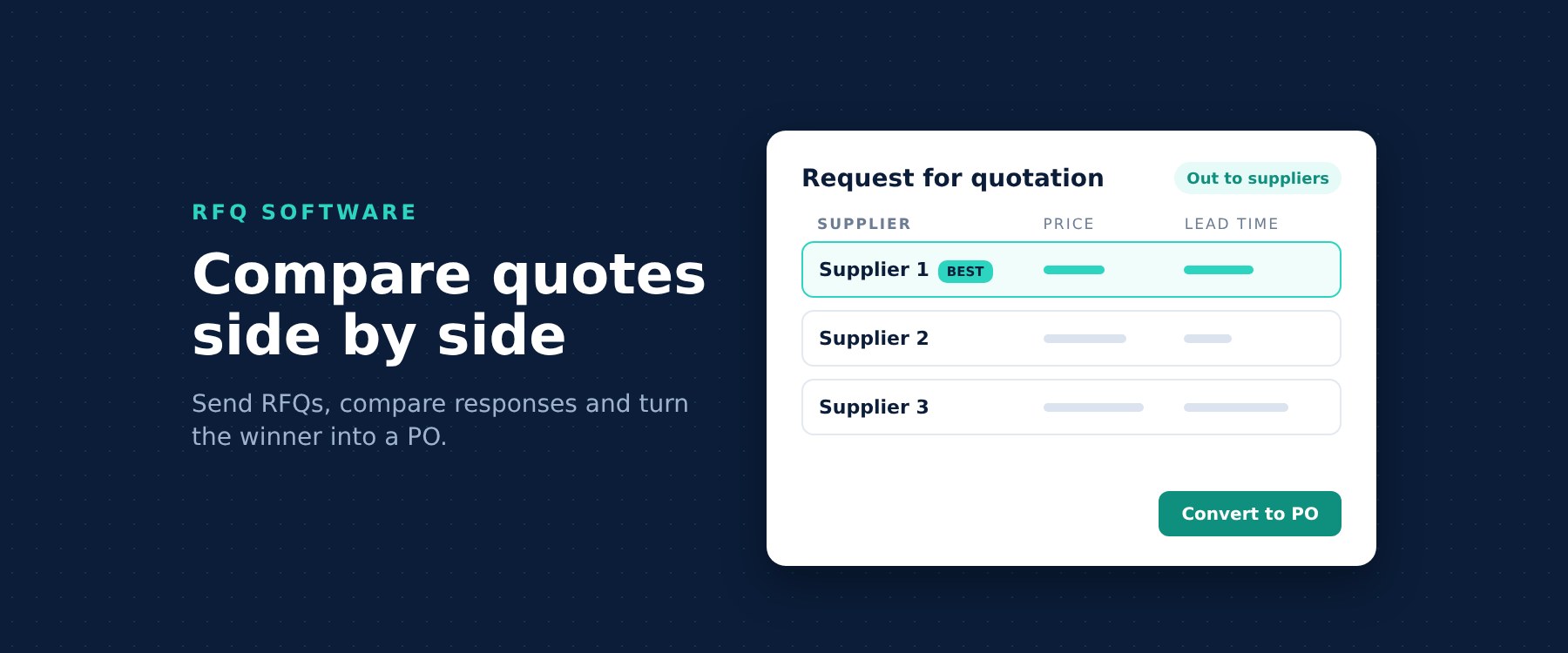
As responses come in, i2B shows them side by side, giving a like-for-like comparison of price and lead time. Buyers can see at a glance which supplier is cheapest, which is quickest and where the trade off sits, without building a comparison spreadsheet of their own.
5. Award and convert to a purchase order
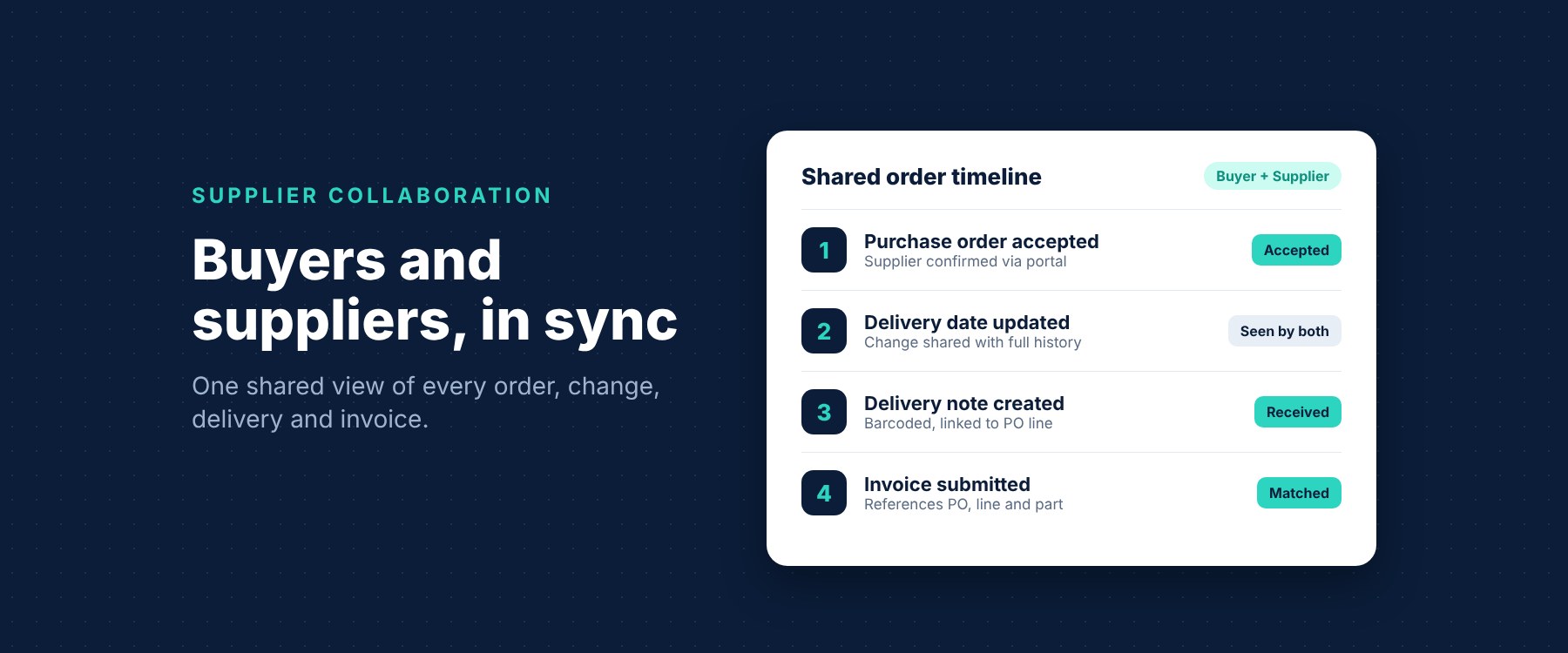
Once a quote is chosen and approved, it is converted into a purchase order in your ERP automatically, with no manual entry. From there the order follows the same tracked journey as every other i2B order, with supplier acceptance, reminders and a full history of any changes. You can read more about that in our post on purchase order software.
The benefits of using RFQ software for sourcing
Moving RFQs into i2B is not just about tidier admin. It changes what buyers can realistically do.
Better prices through more competition
When sending an RFQ to four suppliers takes the same effort as sending it to one, buyers are more likely to widen the field. Like-for-like quotes from more suppliers give a stronger basis for getting good value.
Faster decisions
Automated reminders mean buyers spend less time chasing, and side by side comparison means less time collating. The time between a need being raised and an order being placed shrinks.
Control and a clear audit trail
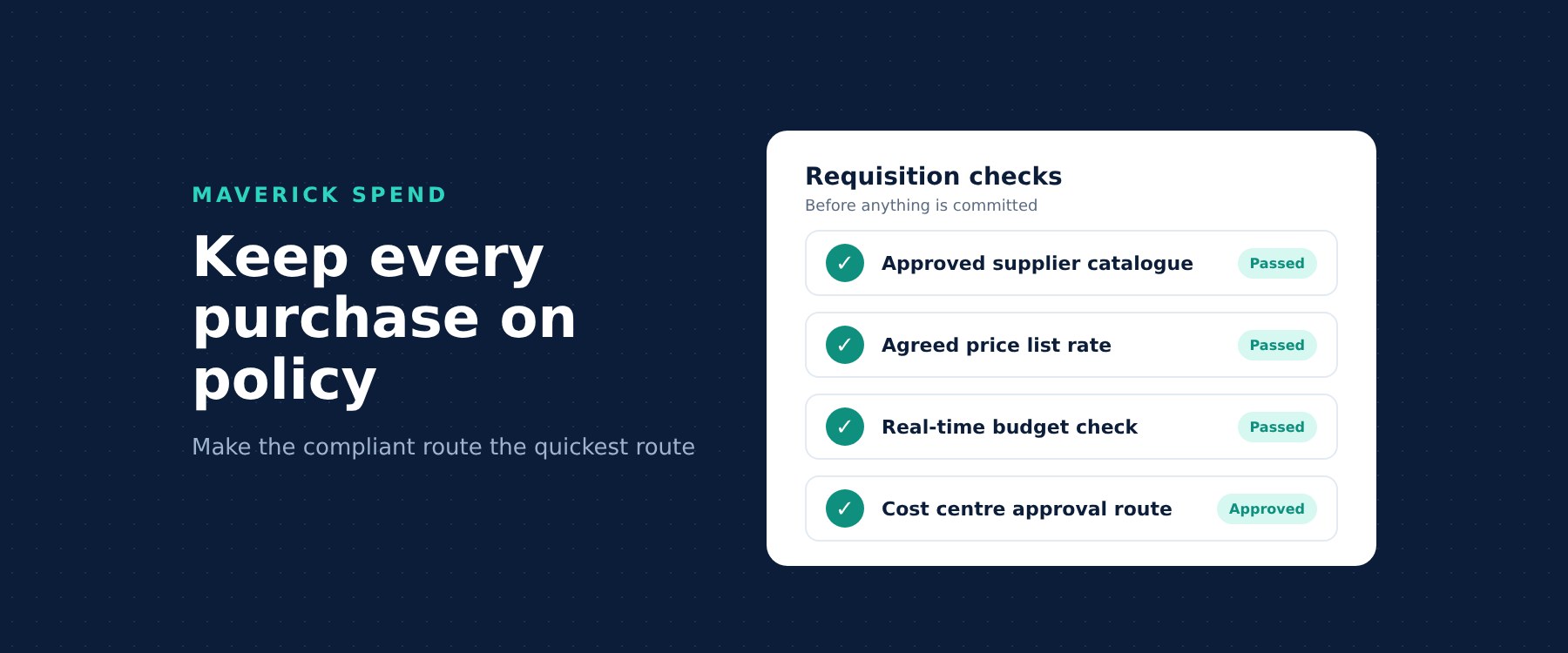
Every request, response and award in i2B is recorded and auditable, with a full history of every decision from request to award. When finance, auditors or senior managers ask why a particular supplier won, the answer is already there. This sits naturally alongside the policy controls we covered in our post on maverick spend.
A better experience for suppliers
Suppliers benefit too. They get a clear request, a clear deadline and one consistent place to respond, rather than trying to interpret a different spreadsheet from every customer. That consistency makes it easier for good suppliers to compete for your business.
Connected to your ERP, not bolted on
A common worry with any new sourcing tool is that it becomes another island of data. i2B is designed to avoid that. It connects to leading ERP systems, so approved RFQs become purchase orders in the system you already run, and clean, approved data flows back without re-keying. Find out more on our ERP integration page.
Is RFQ software right for your organisation?
If any of the following sound familiar, it is worth a look:
- Quotes arrive by email in different formats and someone has to re-key them.
- Buyers only ask one or two suppliers because asking more is too much work.
- It is hard to show why a supplier was chosen.
- Winning quotes are typed into the ERP by hand to create the order.
i2B brings sourcing, requisitions, purchase orders, goods receipt and invoices together, so the RFQ is not a dead end but the start of a fully tracked purchase.
Frequently asked questions
What is RFQ software?
RFQ software helps buyers create requests for quotation, send them to suppliers, collect responses in a consistent format and compare them before choosing a supplier. In i2B it is part of the wider purchase to pay platform.
Can I send an RFQ to more than one supplier in i2B?
Yes. You can send an RFQ to one supplier or to many, each with a response deadline, and i2B sends automated emails and reminders to suppliers.
Do suppliers need to pay for or install anything to respond?
No. Suppliers respond online through the free i2B supplier portal, entering pricing, lead times and terms in a consistent format.
How does i2B help compare supplier quotes?
i2B shows supplier responses side by side, giving a like-for-like comparison of price and lead time so buyers can choose with confidence.
What happens after a quote is awarded?
The approved quote is converted into a purchase order in your ERP automatically, with no manual entry, and every request, response and award is recorded in a full audit trail.
See i2B sourcing in action
If you would like to see how i2B RFQ software could speed up sourcing for your team, get in touch with us for a conversation or a demo.
Know a business that is still comparing quotes in spreadsheets? Through our referral programme you can receive a $500 USD Amazon Gift Card when a company you refer becomes a new i2B client.